Reminders, right where you need them

Widgetminder

Keep the reminders that matter visible at a glance on Apple Watch.

Download on the App Store

On Apple Watch

Your reminders.
One glance away.

Flexible complications and an uncluttered Watch app keep today’s list close without getting in the way.

Apple Watch showing Widgetminder — Up to 12 reminders

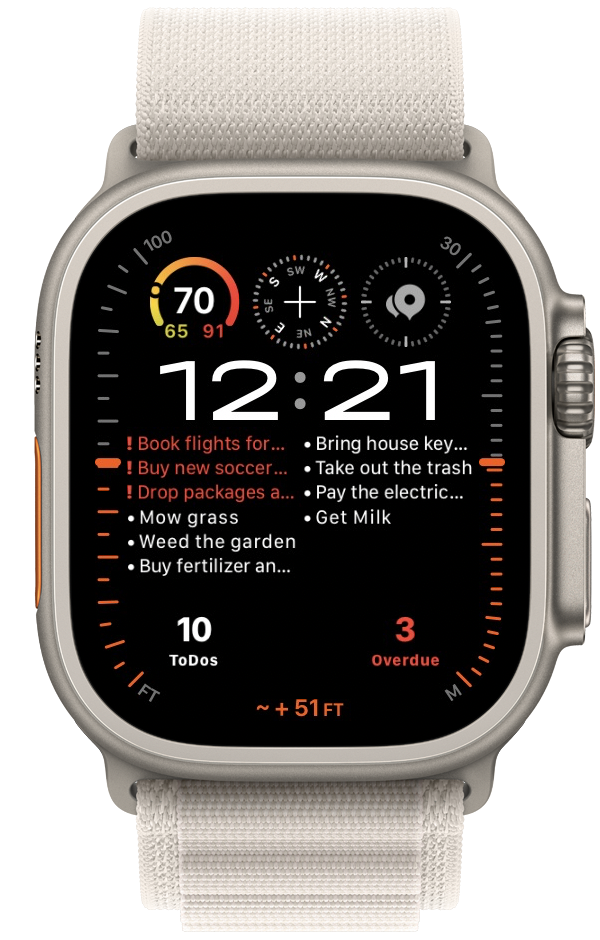
Up to 12 reminders

Keep today and overdue reminders together in one compact view.
Apple Watch showing Widgetminder — Overdue at a glance

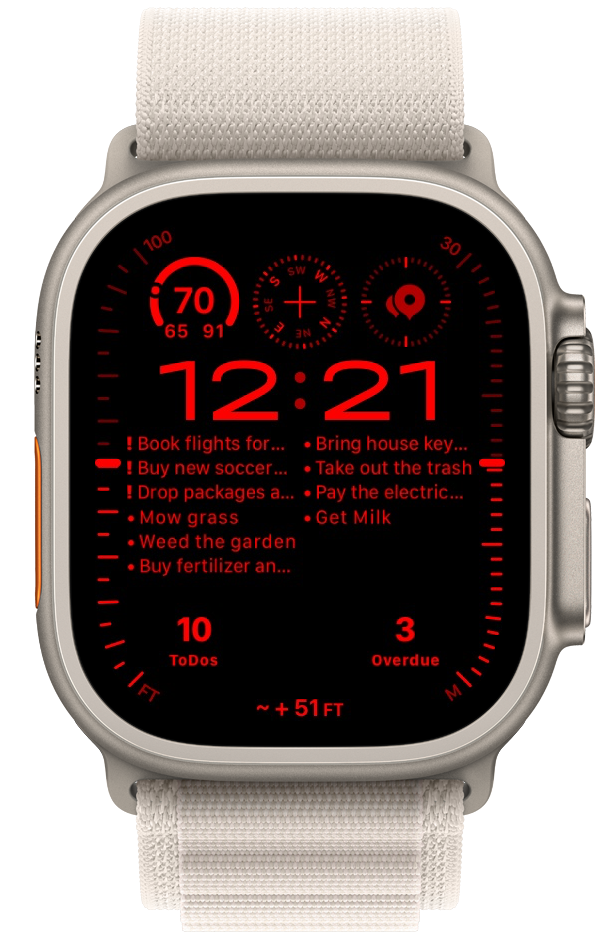
Overdue at a glance

Clear visual treatment helps time-sensitive reminders stand out.
Apple Watch showing Widgetminder — At home on your face

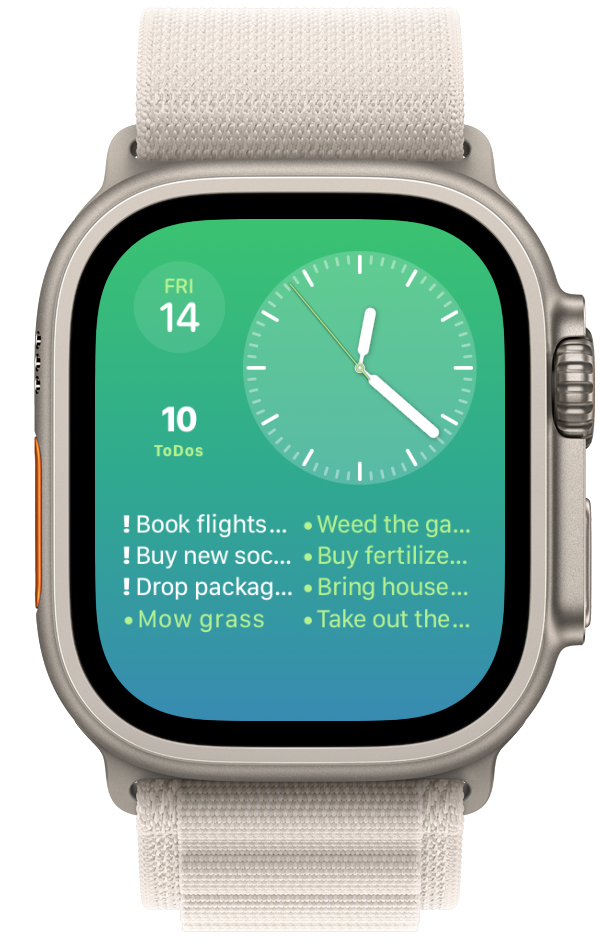
At home on your face

Layouts designed to sit naturally alongside the complications you use.
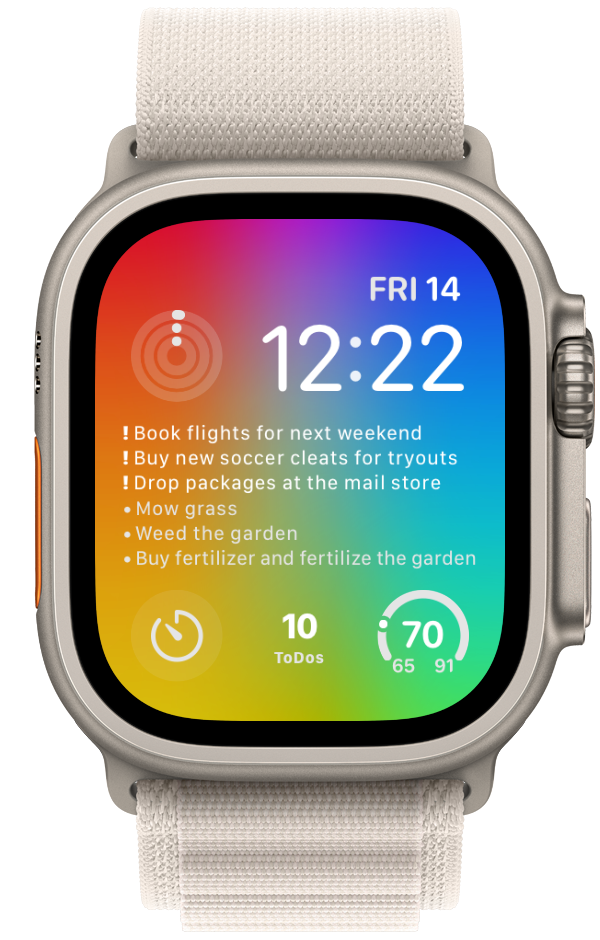
Apple Watch showing Widgetminder — Made for color

Made for color

Let reminders follow the character of your chosen watch face.
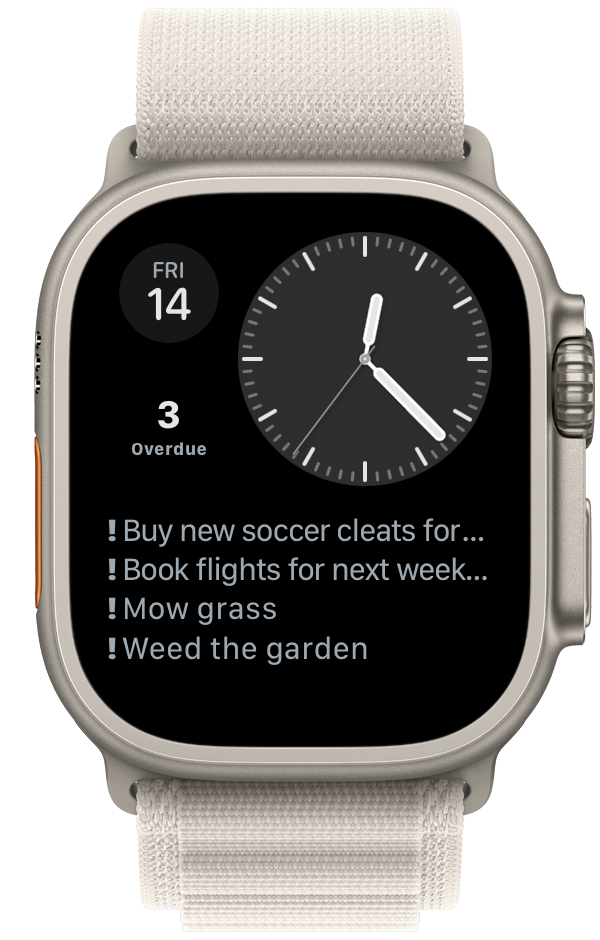
Apple Watch showing Widgetminder — Large text layouts

Large text layouts

See the next things that matter with comfortable, glanceable type.
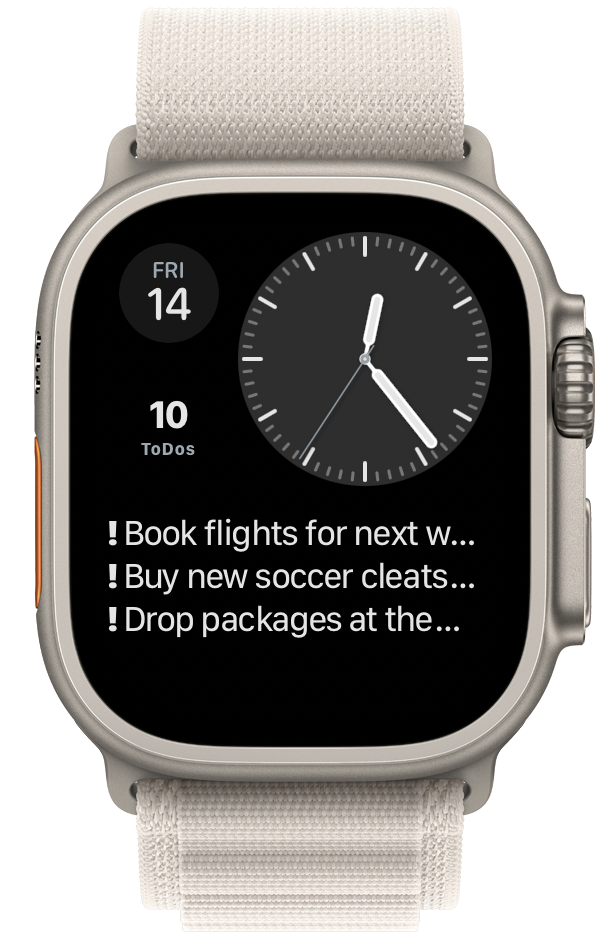
Apple Watch showing Widgetminder — Only what you need

Only what you need

Choose a focused layout when a shorter reminder list works best.
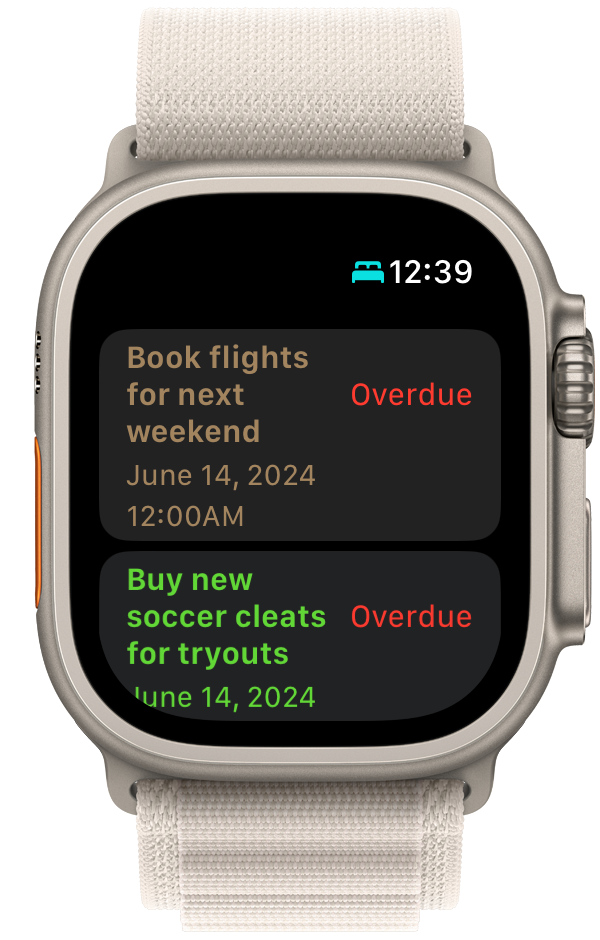
Apple Watch showing Widgetminder — A closer look

A closer look

Open Widgetminder on Apple Watch to see reminder details and timing.
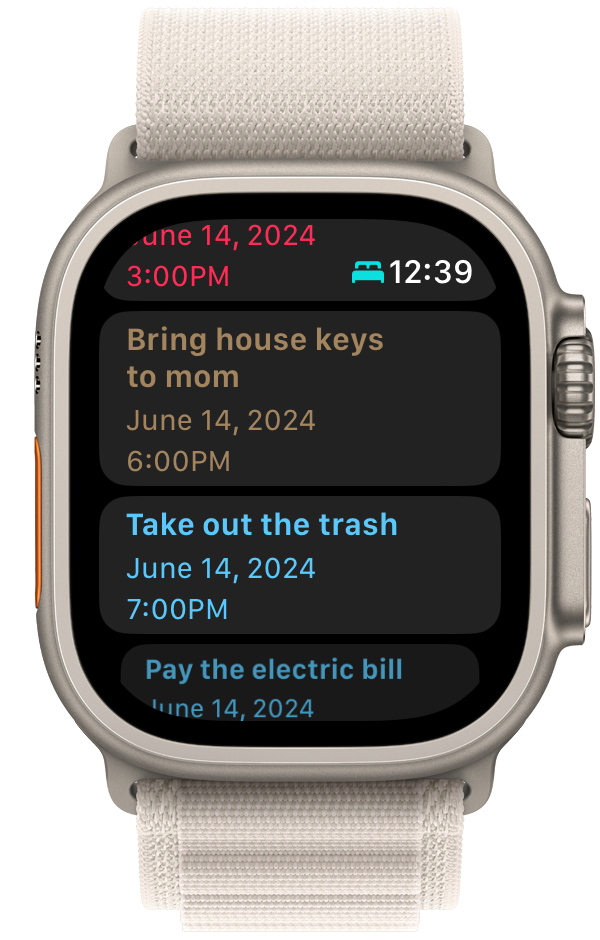
Apple Watch showing Widgetminder — Your day, in order

Your day, in order

Review upcoming reminders in a clean chronological list.
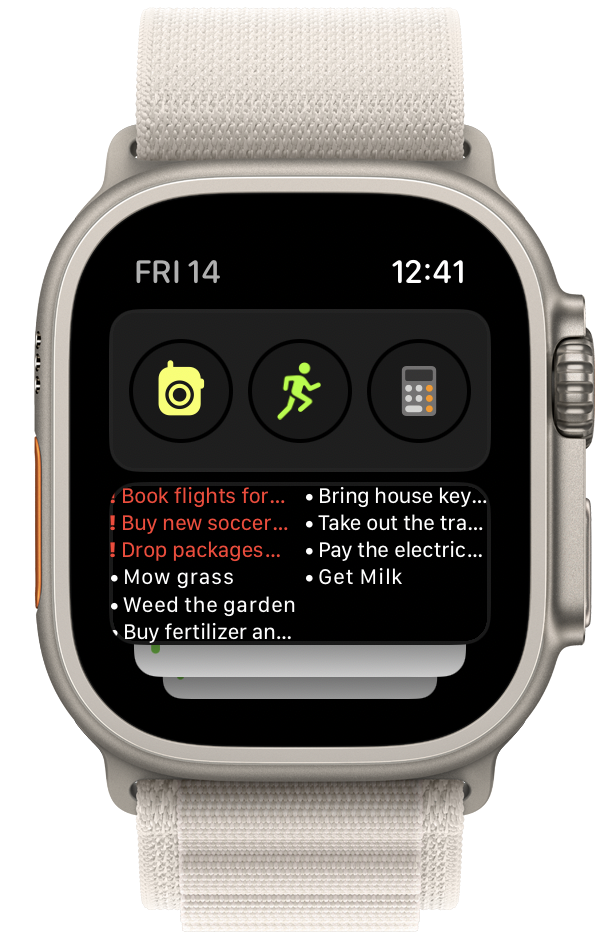
Apple Watch showing Widgetminder — Ready in the Smart Stack

Ready in the Smart Stack

Bring your reminders into the flow of the watchOS Smart Stack.

Widgetminder 2.0

Beyond the Watch.

The Widgetminder iPhone app makes it easy to work with your reminders directly, while flexible widgets keep the lists that matter in view throughout your day.

On iPhone

Manage reminders without switching apps.

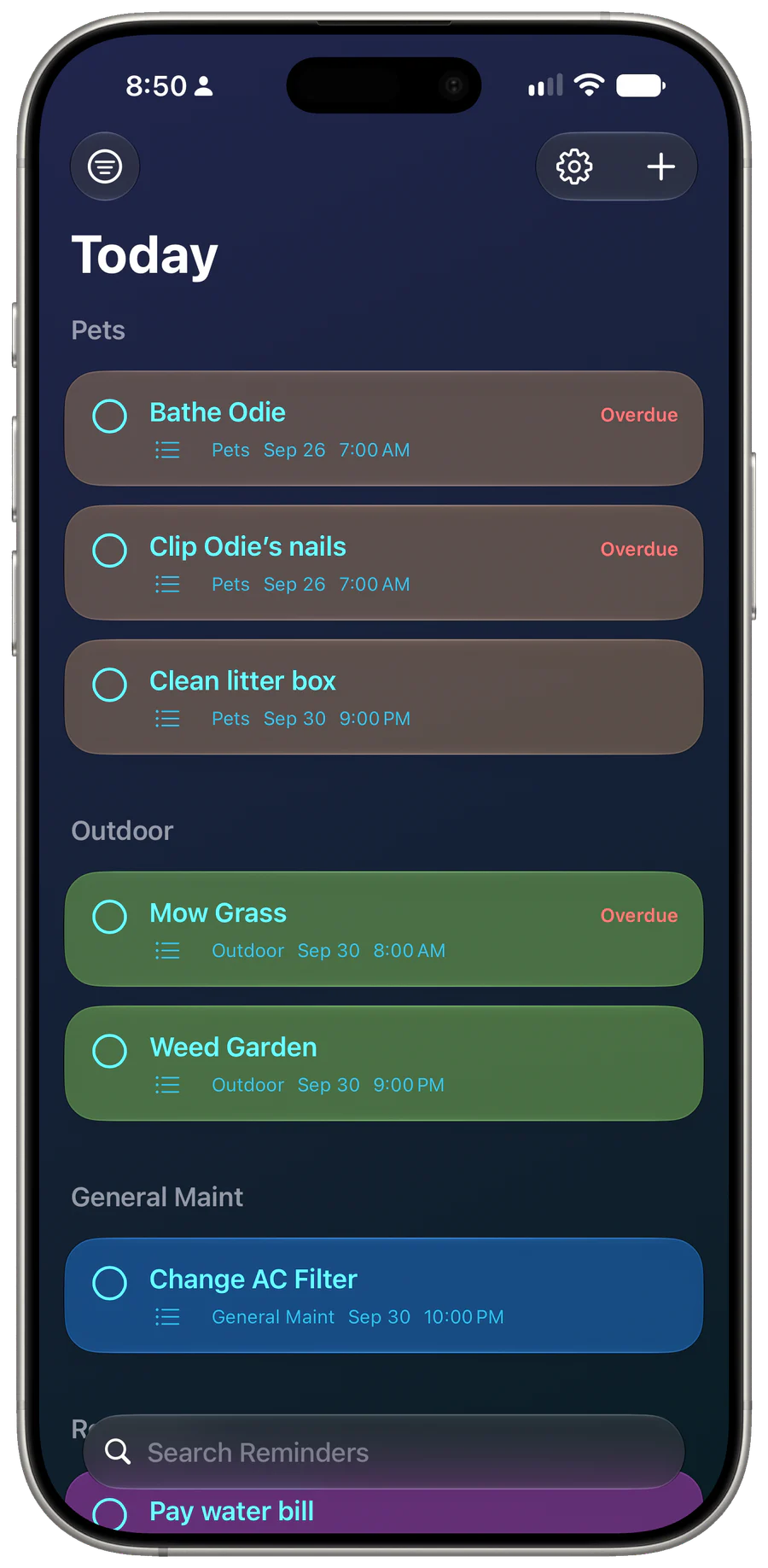
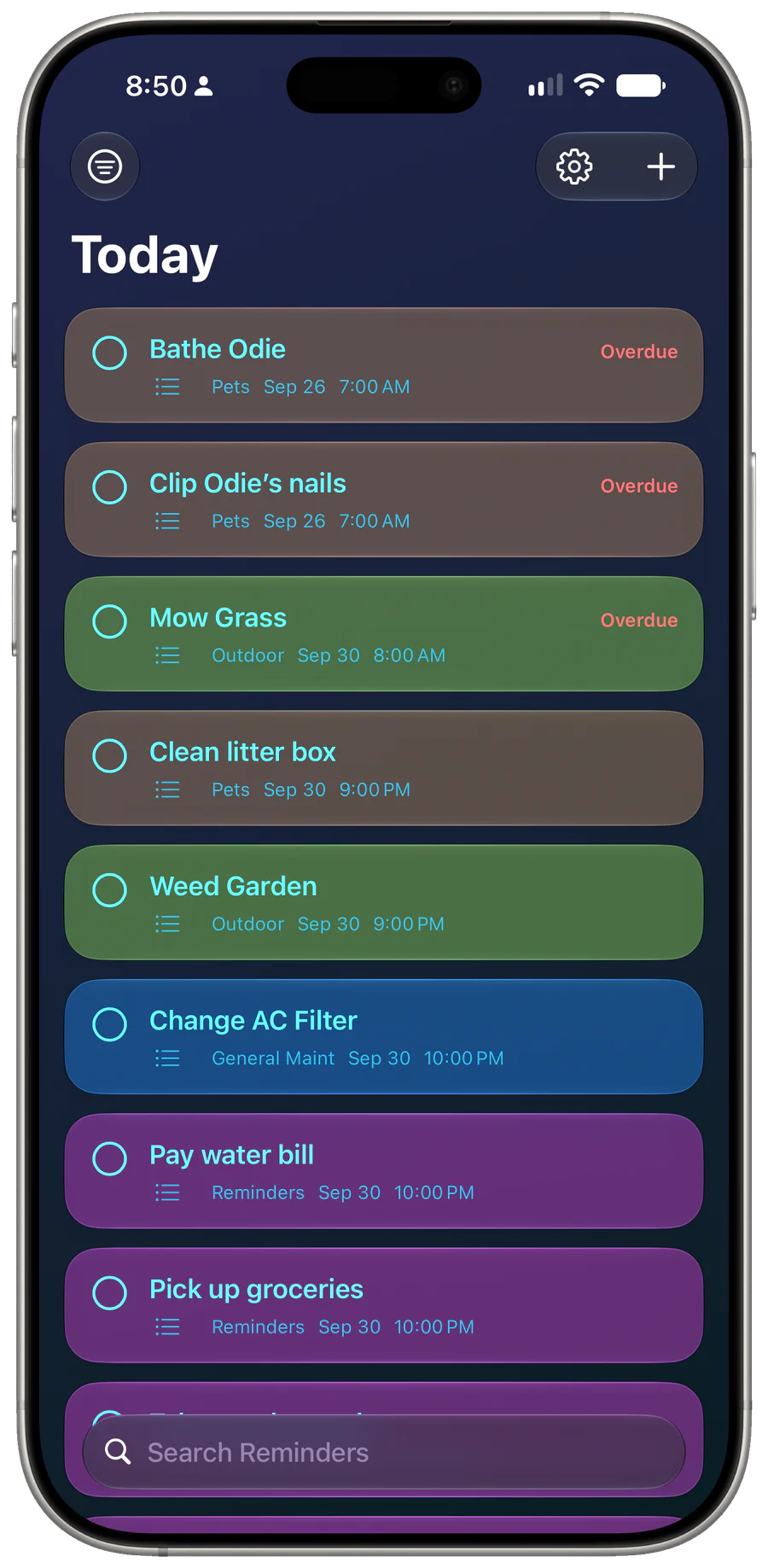
See what is due, move between lists, and add, complete, modify, or delete reminders directly in Widgetminder.
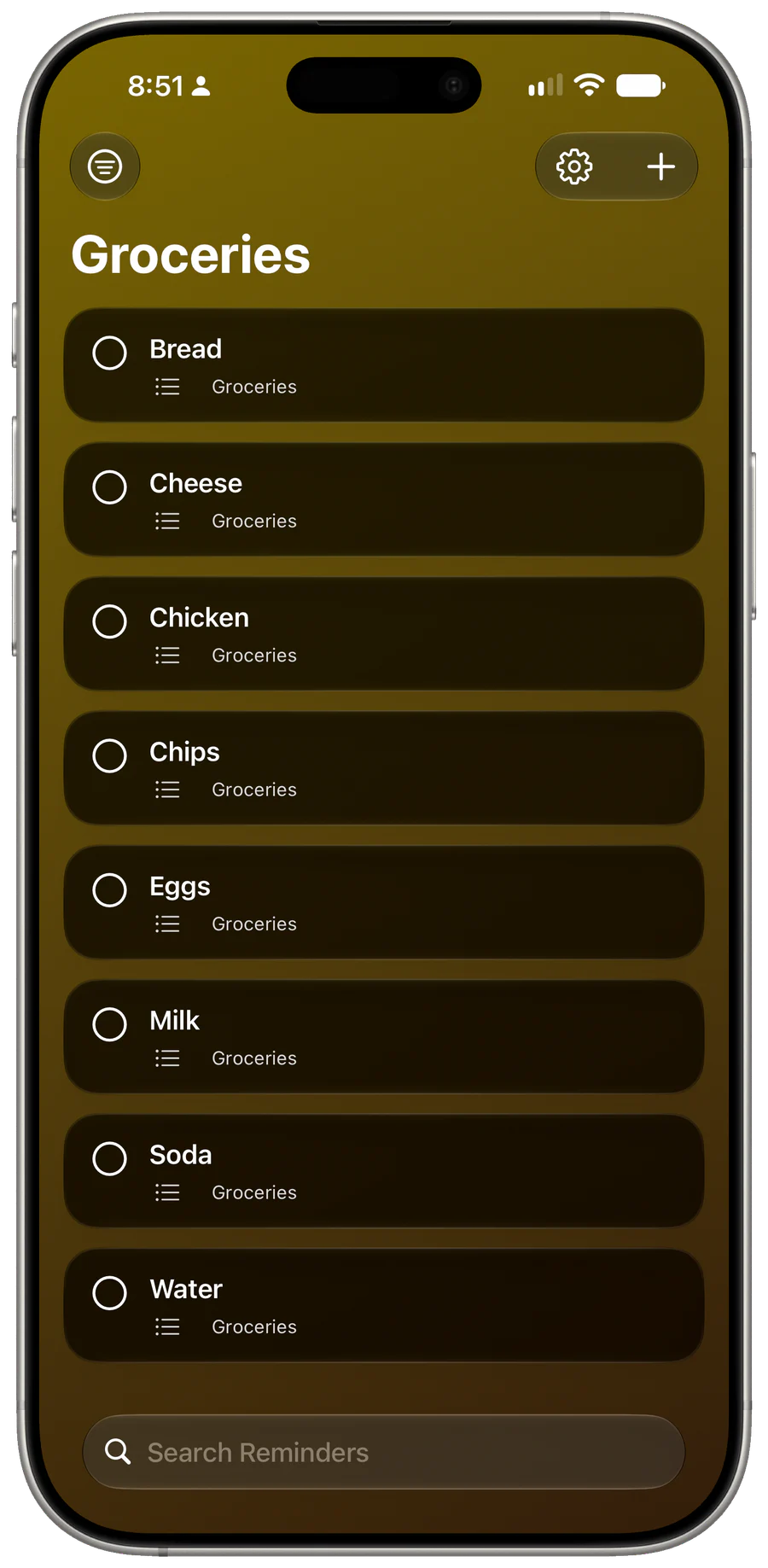
Widgetminder on iPhone showing reminders in the Groceries list
Widgetminder on iPhone showing overdue and upcoming reminders in the Today view
Widgetminder on iPhone grouping today’s reminders by list

Home Screen & Lock Screen

Widgets that feel at home on your iPhone.

Widgetminder Home Screen widgets using an adaptive green tint
Widgetminder widget colors conform to your Home Screen settings.
Widgetminder Home Screen widgets in blue
Widgetminder widgets look great in any color.
Widgetminder Home Screen widgets using the Clear appearance
Widgetminder widgets remain readable in Clear.
Two Widgetminder reminder widgets on the iPhone Lock Screen
More reminders on the Lock Screen. Your day at a glance.
Widgetminder Home Screen widgets in several sizes and color styles
Many color choices and sizes to see the info you want to see.

Available now

Keep today in sight.

Download Widgetminder for Apple Watch from the App Store.

Download on the App Store